
Quick · calories only
Start the habit with one number instead of demanding every nutrient on day one.
AI suggests a starting point. Only records you confirm become yours, and Cat Coach brings them back when your next meal needs context.
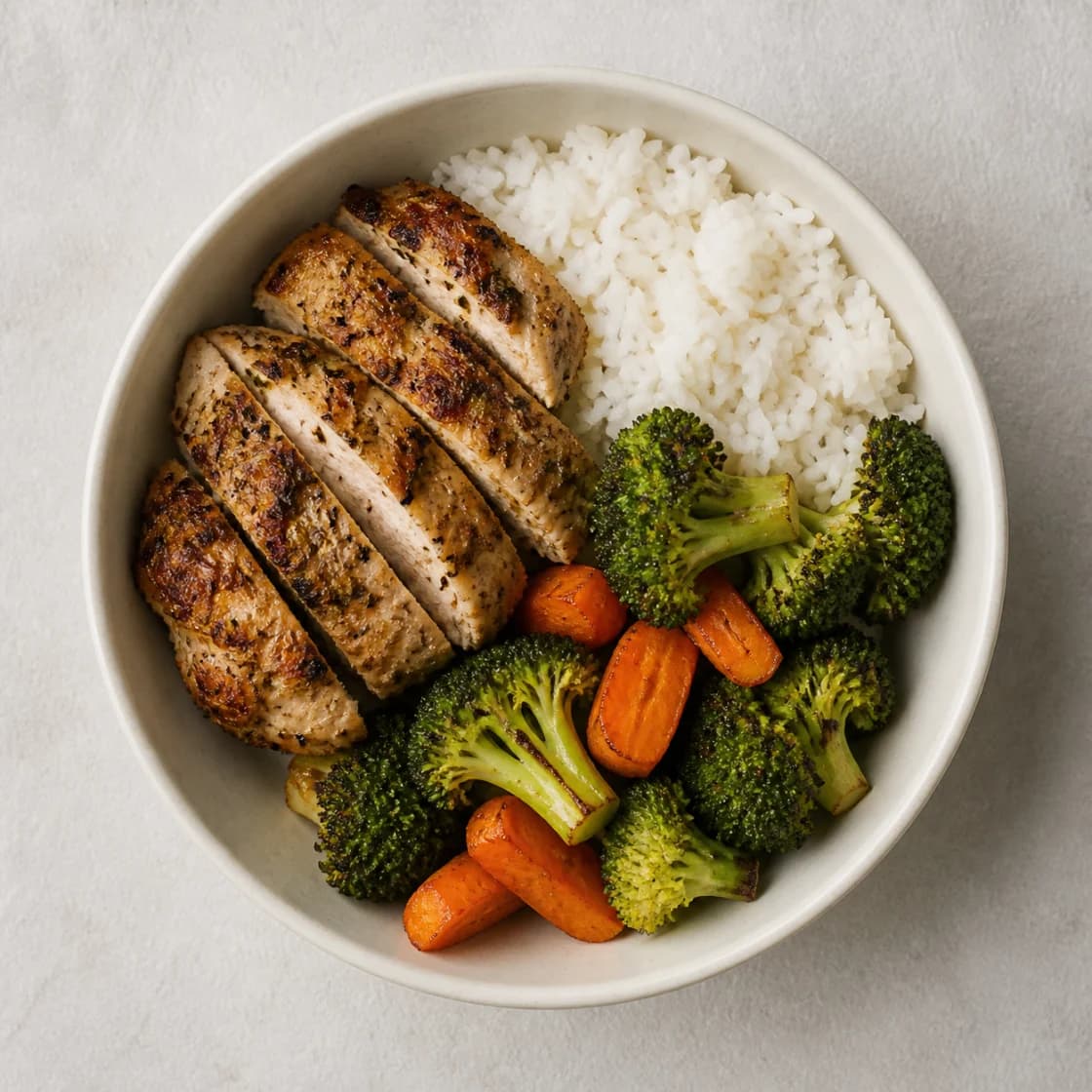

Looks like a chicken rice bowl. Start near 620, then dial it to what you actually ate.
Analyze the sample to get a food name and calorie range. Context is optional, and both the name and number stay editable before saving.
Analyze the photo or choose manual entry before confirming.
No confirmed record yet.
Pick a default during onboarding and switch at the top of the entry screen without changing the flow.
Start the habit with one number instead of demanding every nutrient on day one.
Open protein, carbs, and fat only on days when more detail helps.
Before I judge the meal, let us make an honest record.
Insights use values you reviewed and saved—not raw AI output—so a rough guess never becomes silent truth.
Core logging stays open. Ads and AI costs are handled away from the moment you are recording.
Monthly, yearly, and Lifetime prices and renewal terms are shown in the store before purchase.
When you choose a record photo, CaloClaw removes EXIF and stores it in access-controlled private storage. With consent, the photo and optional description go to the current provider, OpenAI, to create an editable draft. Deleting the photo or record also removes its private stored copy.
Delete or edit the photo and numeric record independently.
Ad-category controls reduce unwanted exposure but cannot guarantee a perfect block. Reports and blocklists remain an operating responsibility.
Photo or manual → edit → confirm → coach reaction → history reuse. Photo AI shows the provider, purpose, and retention terms before consent and transfer. Plus verifies purchase status on the server: 4 included analyses a Korea day for monthly or yearly access, and 6 for Lifetime.
Manual calorie entry remains free.Try the demo again